
Cloud or on-premise asset management software: how to actually decide
Cloud vs on-premise asset management software is decided by two things most comparisons skip: who will patch the server, and what happens when a branch loses connectivity. The decision usually comes down to three unglamorous things: what your connectivity is really like, who may hold your data, and what it costs over five years rather than one month.
In this article
Cloud vs on-premise asset management software: the short version
- Connectivity is the first filter. Asset work happens in plant rooms and basements, not at desks.
- Compare cost over five years with realistic headcount, not per month at today’s user count.
- Per-user pricing discourages giving access to the people who would keep the register current.
- An asset register lists everything valuable you own and where it is. Ask the data questions in writing.
- Whichever you choose, confirm you can export the complete register in an open format on demand.
What the choice actually is
Cloud means the software runs on somebody else’s servers and you reach it through a browser, paying monthly or annually per user. On-premise means it runs on hardware you control, usually bought once.
The marketing for cloud is largely about convenience, and the convenience is real: no server, no updates to install, reachable from anywhere. The marketing for on-premise is largely about control, and that is real too.
But for fixed asset registers specifically, the decision usually comes down to three unglamorous things: what your connectivity is actually like, who is allowed to hold your data, and what the total cost looks like over the period you will keep the system.
Connectivity is the first filter
A cloud asset register is unusable when the connection is down, and asset work is not desk work. Verification happens in plant rooms, basements, warehouses, remote branches and buildings with concrete walls. These are exactly the places where connectivity is worst and exactly where you need the register open.
Ask a practical question: during your last physical count, would every person doing the counting have had a reliable connection at every point? If the honest answer is no, a purely cloud workflow will produce a count done on paper and typed up afterwards, which is the thing you were trying to eliminate.
This applies with particular force to multi-branch operations outside major urban centres, which describes a lot of organisations across the region.
The cost comparison over a realistic period
Cloud pricing looks smaller because it is quoted monthly. The comparison only becomes meaningful over the life of the system, and asset registers are long-lived: you are likely to run the same one for five years or more.
| Cloud subscription | One-time licence | |
|---|---|---|
| Upfront cost | Low or none | The full licence |
| Ongoing cost | Every month, usually per user | None |
| Cost of adding staff | Rises with headcount | Unlimited accounts, no change |
| Price certainty | Vendor can raise it | Fixed at purchase |
| Cost if you stop paying | Access ends | Nothing; it keeps running |
| Total over five years | Sixty payments | One |
Per-user pricing deserves particular attention on asset systems, because the people who need access are more numerous than finance: department heads, store keepers, maintenance staff, branch managers. A model that charges per seat quietly discourages you from giving access to the people who would keep the register current.
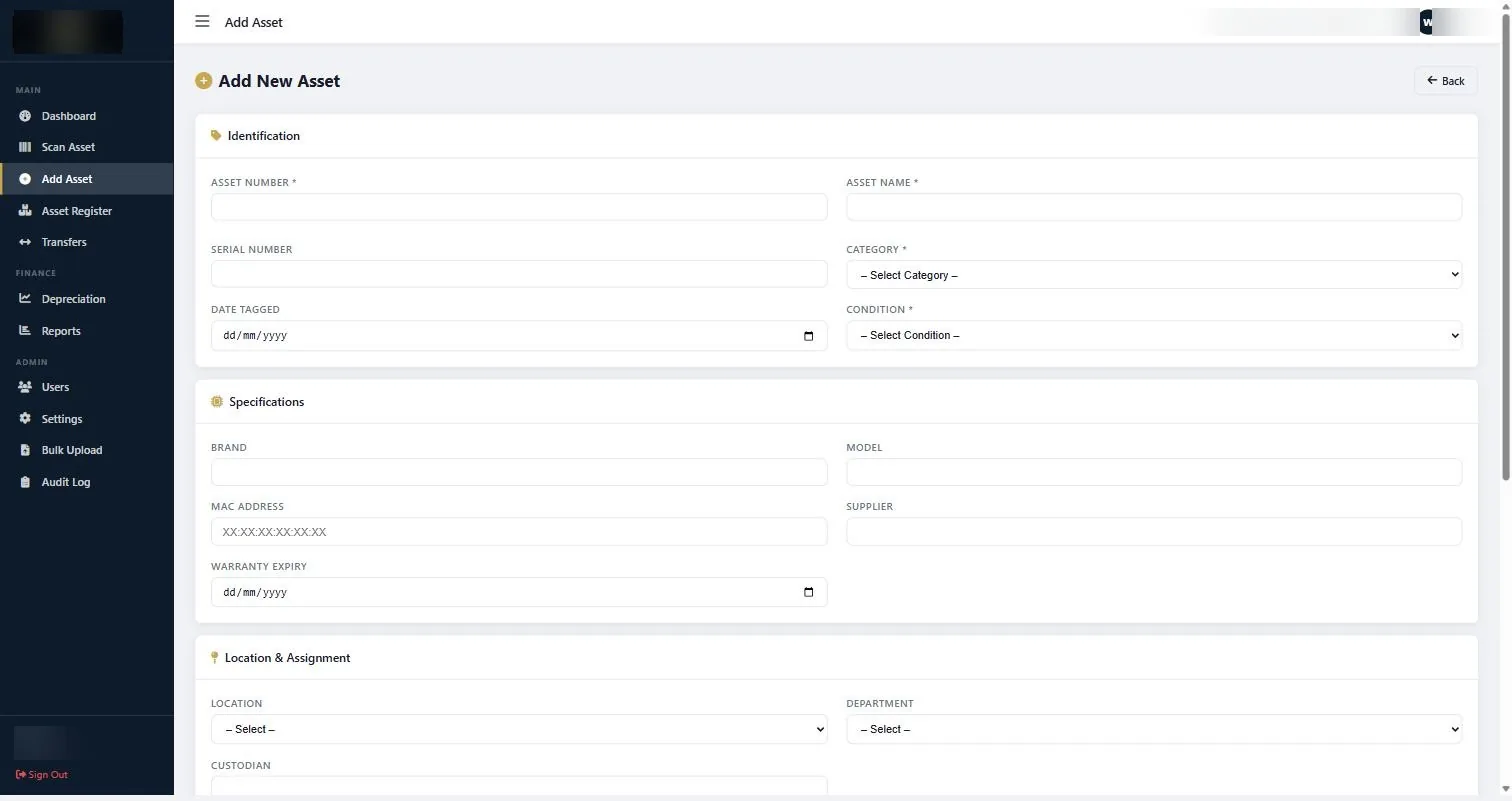
Our asset management system is a one-time KSh 120,000 licence with unlimited staff accounts, which is a deliberate position rather than an accident of packaging.
Data control and where it matters
An asset register is a list of everything valuable your organisation owns, what it cost, and exactly where it is. That is a more sensitive document than it first appears.
Questions worth asking of any cloud vendor:
- Where is the data physically stored? This matters for some regulated sectors and for organisations with policies about data leaving the country.
- Who at the vendor can read it? Support access is normal; the question is whether it is logged and limited.
- What happens if you stop paying? Ask specifically how long you have to export, and in what format.
- Can you export everything at any time? If the answer is “you can export reports”, that is not the same as exporting your data.
For government bodies, healthcare providers and donor-funded organisations, these are often not preference questions but policy constraints that settle the decision on their own.
See the asset management system in action
Book a focused demonstration using your own workflow questions, including registers, custodians, transfers, audits and depreciation. Book an AMS demo →
Where cloud genuinely wins
To be fair to it:
- Many sites, good connectivity, one register. If every location has reliable internet, cloud removes a real coordination problem.
- No IT function. If nobody in the organisation can maintain a server, that is a genuine constraint rather than an excuse.
- Frequent remote access by senior staff. Managers who want the register from anywhere without a VPN.
- You want updates without doing anything. This cuts both ways, but it is a real convenience.
If those describe you and the data questions come back with acceptable answers, cloud is a reasonable choice. The point is not that cloud is wrong; it is that it is frequently chosen by default rather than decided.
A hybrid that works in practice
The pattern we see succeed most often is neither pure.
The register runs locally, where it is fast, available offline, and under your control. Reports are exported as CSV or PDF and shared through whatever the organisation already uses for documents. Senior staff who need periodic visibility get a current export rather than live access.
This covers the actual requirement, which is usually “the finance director wants to see the position monthly”, not “eleven people need concurrent remote access to a fixed asset register”.
It is worth being honest about which of those you have before paying for the second one.
How to decide
- Test connectivity where the work happens. Not in the office. In the plant room, the basement, the branch.
- Cost it over five years, per user, with growth. Not per month at today’s headcount.
- Ask the data questions in writing. Location, access, export, and what happens if you stop paying.
- Count who genuinely needs live access versus who needs a monthly export.
- Check the exit. Whatever you choose, confirm you can get your complete register out in an open format on demand.
That last point is the one that survives every other change of circumstance. A register you cannot fully export is not entirely yours, whichever side of this argument it lives on.
Common questions about cloud vs on-premise asset management software
Is cloud asset management software better than on-premise?
Neither is better in general. Cloud suits organisations with reliable connectivity everywhere assets live and no IT capacity. On-premise suits organisations working in places with poor connectivity, with data control requirements, or wanting predictable long-term cost.
Is your asset management system cloud or on-premise?
It runs on your own infrastructure as a one-time licence rather than a subscription, with unlimited staff accounts. Reports export to CSV and PDF so the data moves wherever you need it without needing live remote access.
What happens to our data if we stop paying a cloud subscription?
That depends entirely on the vendor, which is why it should be asked in writing before signing. Ask how long you retain access after cancellation, what export formats are available, and whether you can export the complete dataset rather than just reports.
Does asset management software need to work offline?
For the register itself, often yes. Physical verification happens in plant rooms, basements, warehouses and remote branches, which is exactly where connectivity fails. A workflow that breaks offline tends to become paper plus retyping.
Is per-user pricing a problem for asset management?
It can be, because the people who keep an asset register current are not just finance. Department heads, store keepers, maintenance staff and branch managers all interact with assets. Per-seat pricing quietly discourages giving them access, which is how registers go stale.
Can we start on-premise and move to cloud later?
If your data exports cleanly in an open format, yes. That is the real test of portability rather than any vendor claim, and it is worth confirming before you commit either way.
The honest test for cloud vs on-premise asset management software is whether you have somebody whose job includes server maintenance. If you do not, the question is already answered.
Continue with the right next guide
See the asset management system in action
Book a focused demonstration using your own workflow questions, including registers, custodians, transfers, audits and depreciation.