
Choosing a barcode scanner for asset verification
Choosing a barcode scanner for asset audits is a smaller decision than the sales material suggests. Three things matter and the rest is preference. You do not need an expensive scanner to verify an asset register. You need one that behaves like a keyboard, survives being carried around a building all day, and reads the specific code type on your tags. Everything beyond that is preference.
In this article
A barcode scanner for asset audits: the short version
- Keyboard emulation is the only compatibility requirement that matters.
- Buy a 2D imager unless you are certain your tags will only ever be linear barcodes.
- Bluetooth plus a laptop beats a rugged handheld for most annual counts.
- Phone cameras work for small estates and spot checks, not for volume.
- Configure a carriage return after each scan and test on real tags before the round.
The only technical requirement that matters
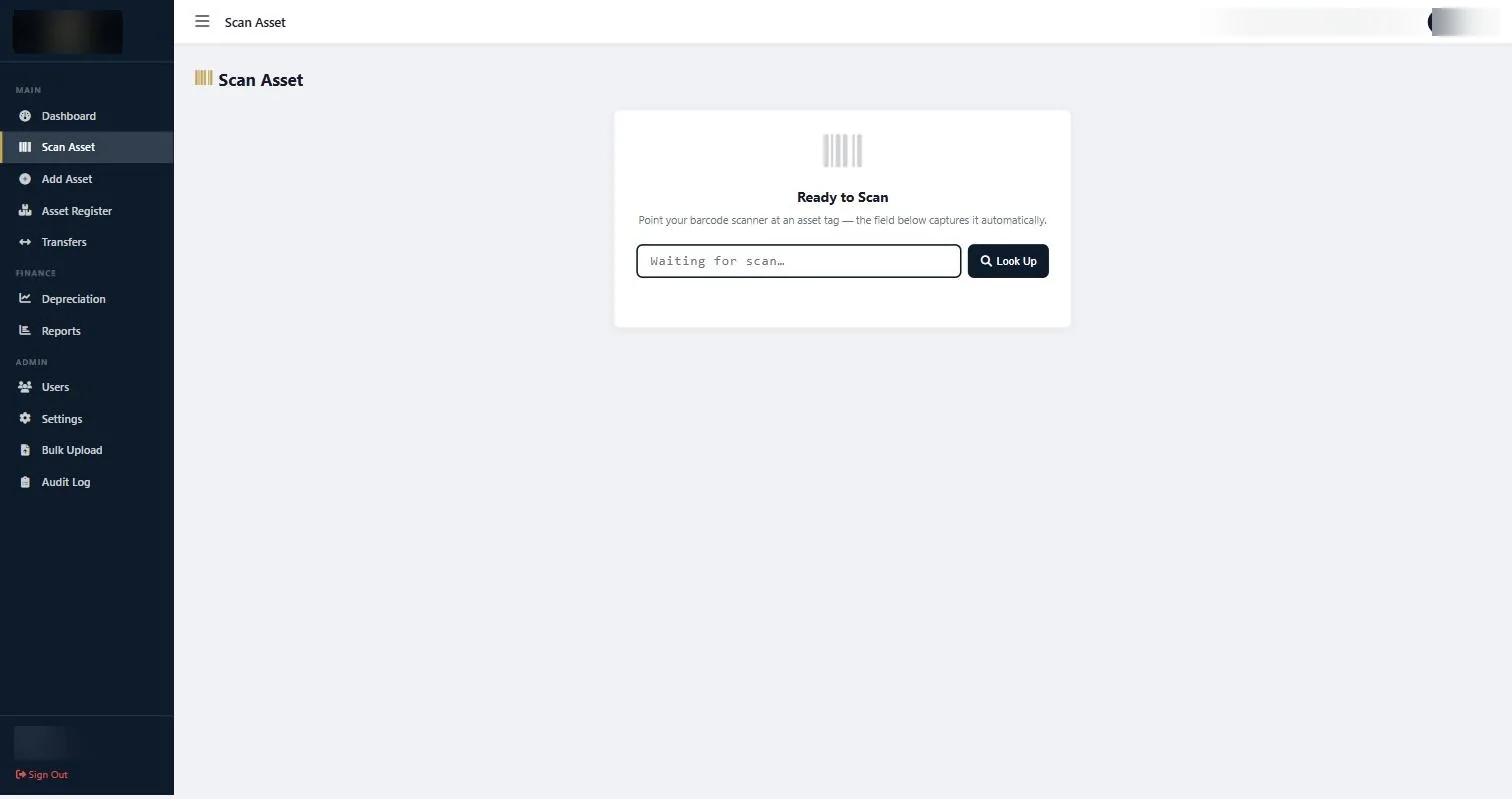
The scanner must operate in keyboard emulation mode, sometimes called HID or keyboard wedge. In that mode the scanner behaves exactly as though someone typed the number, so it works with any web-based system without drivers, apps or configuration.
Almost every general-purpose scanner supports this, often as the default. If a vendor tells you their scanner needs proprietary software to talk to your asset system, that is a reason to look at a different scanner rather than a different system.
Test it before buying in quantity: open a text editor, scan a tag, and confirm the number appears. That is the whole compatibility test.
Match the scanner to the code type
| Your tags carry | You need |
|---|---|
| Linear barcodes only | A 1D laser or linear imager. Cheapest option, reads fast, cannot read QR codes. |
| QR codes, or a mix | A 2D imager. Reads both linear and two-dimensional codes. Now the sensible default. |
| Damaged or curved tags | A 2D imager with good decoding. Imagers cope with partial damage and awkward angles far better than laser scanners. |
Unless you are certain your estate will only ever carry linear barcodes, buy 2D. The price gap has narrowed to the point where the flexibility is worth more than the saving.
Corded, bluetooth or handheld computer
Corded USB. Cheapest and most reliable. Perfect for a fixed desk, a stores counter or receiving goods. Useless for walking a building.
Bluetooth. The right answer for verification rounds. Pairs with a laptop or tablet on a trolley, or with a phone. Check the battery life claim against a full working day, and check how it behaves when it drifts out of range and comes back.
Rugged handheld computer. A scanner and a computer in one device. Expensive, and only justified for large estates verified frequently, or environments where a laptop is not practical. For most organisations doing an annual count, a bluetooth scanner with a laptop is the better value.
Phone cameras as scanners
A modern phone camera reads QR codes perfectly well and is free. For a small estate, or a spot check of one room, it is entirely adequate.
It becomes the wrong tool at volume. Framing a camera takes noticeably longer than pointing a scanner, focus hunts in poor light, and holding a phone up for several hundred assets is tiring in a way that a trigger-pull is not. Most teams that start a large count on phones switch to scanners by the second morning.
Phones also struggle with linear barcodes on small or curved surfaces, where a dedicated imager is far more forgiving.
Not sure which tag belongs on each asset?
Send a short asset list and a few photos of the surfaces and environment. We will recommend the right tag material and code type. Send your asset list →
Practical buying checklist
- Keyboard emulation confirmed by test, not by datasheet.
- 2D imager unless you are certain about linear-only.
- Drop rating of at least 1.5 metres. Scanners get dropped on concrete during counts.
- Full-shift battery for bluetooth models, with a spare or a charging cradle.
- Audible and visual confirmation on a successful read, so the operator does not have to look at the screen for every asset.
- Two scanners minimum if you are verifying a multi-site estate, so one failure does not stop the round.
Setting up before the round
Configure the scanner to append a carriage return after each scan. That makes the system look up the asset automatically and removes a keystroke per asset, which over a thousand assets is a meaningful saving.
Test on real tags, not on a sample sheet. Print quality, laminate gloss and curved surfaces all affect read rates, and it is better to discover a problem on the bench than on the third floor.
Charge everything the night before and take a printed asset list per location as a fallback. Technology fails at inconvenient moments, and a verification round that has to be abandoned costs more than the paper.
Common questions about barcode scanner for asset audits
Does the scanner need special software to work with the asset system?
No. In keyboard emulation mode it types into whatever field has focus, which is why any browser-based system works without drivers.
What does a suitable scanner cost?
Entry level 2D bluetooth scanners are inexpensive relative to the cost of the verification round they support. The rugged handheld computers are several times the price and are only justified at scale.
Can two people scan into the same system at once?
Yes, in different locations. Two people verifying the same room simultaneously is how double counting happens.
Do we need a scanner at all if tags carry printed numbers?
You can type them, and for a hundred assets that is fine. Beyond that, transcription errors and time make a scanner worth having.
What if a tag will not scan?
Type the printed number. If neither works, identify by serial number and treat it as a re-tag rather than a missing asset.
Does STL supply scanners?
We advise on specification and can supply as part of an engagement. What matters more is that whatever you buy works in keyboard mode with the system you are running.
If you already own a phone, start there. A phone camera is a perfectly adequate barcode scanner for asset audits at small volumes, and it tells you whether a dedicated device is worth buying at all.
Continue with the right next guide
Not sure which tag belongs on each asset?
Send a short asset list and a few photos of the surfaces and environment. We will recommend the right tag material and code type.