
How to record an asset transfer
Learning to record an asset transfer properly is what keeps a register accurate between verifications, because assets move far more often than they are bought. Assets move. Between rooms, between branches, between people, and out of the building for repair. A transfer record is what keeps the register true through those movements, and what lets you answer where an asset was on a given date rather than only where it is now.
Before you start
- The asset already in the register with a current location, department and custodian.
- Both the origin and the destination set up as locations in Settings.
- Whatever internal authorisation your organisation requires before an asset moves. The system records the movement; it does not approve it.
How to record an asset transfer, step by step
-
Record the transfer before the asset moves, not after
The discipline that makes transfers work is recording at the point of release. Once the asset is on a trolley or in a car boot, the record competes with everything else in the day and usually loses.
If your organisation uses a gate pass or a release note, tie the transfer record to it. One process, one moment, both records created.
-
Open Transfers
Under Main in the left navigation, click Transfers. This is the movement log. Everything recorded here builds the history that the Asset Transfer Log report reads from.
-
Identify the asset by number, ideally by scan
Enter or scan the asset number. Scanning is preferable because it eliminates the transcription error that puts the wrong asset on the move.
Check that the record that comes back is the asset physically in front of you. Confirm the serial number if the asset has one.
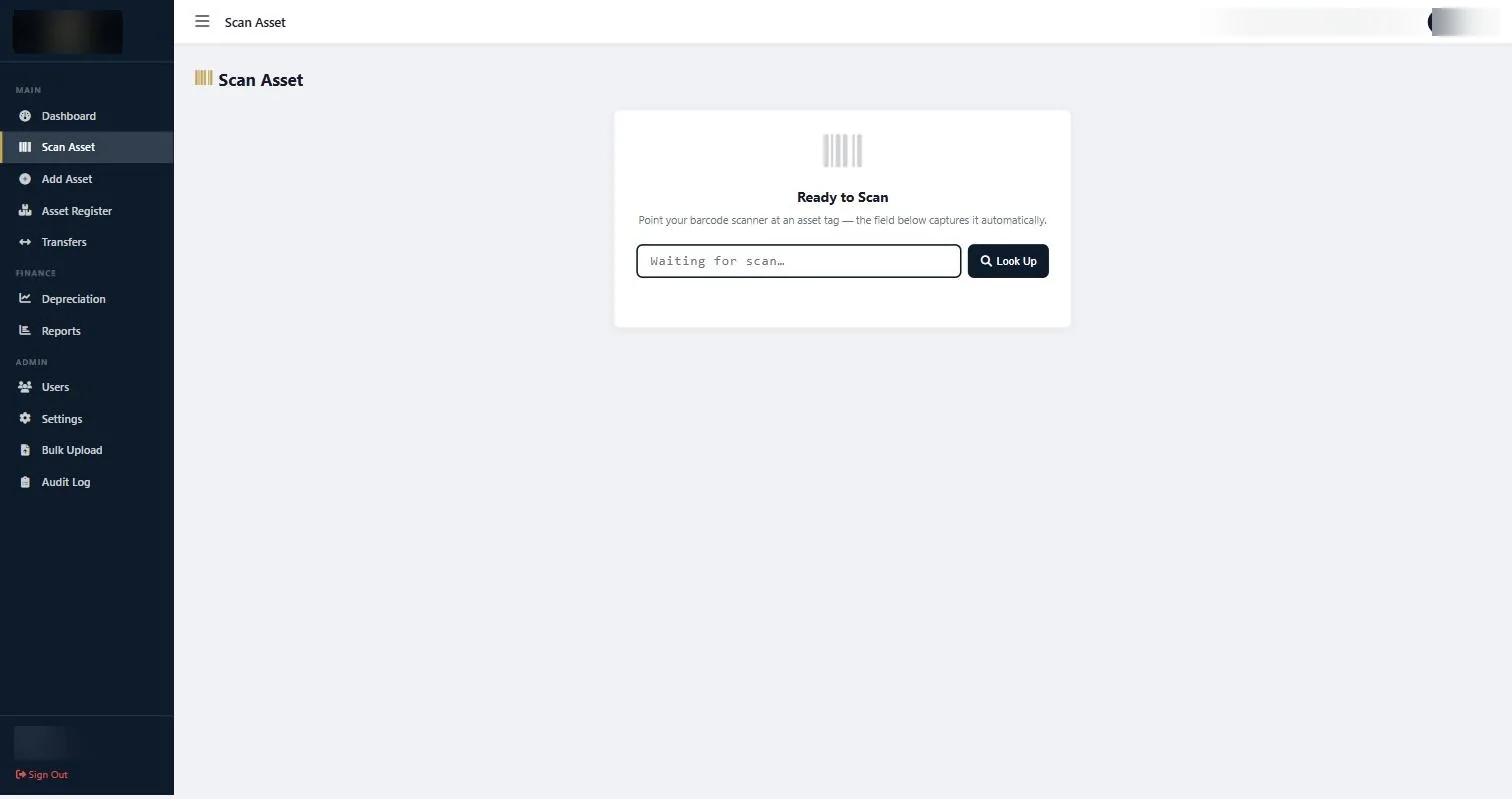
Scanning identifies the asset without transcription errors, which matters most when several similar items are being moved together. -
Record where it is going and who will hold it
Set the destination location, the receiving department, and the receiving custodian. All three should change together where all three are changing. Moving a laptop to another branch without updating the custodian leaves the record half true.
Add a reason. Reassignment, repair, relocation, loan. Six months later the reason is what makes the movement make sense, and it is what tells you whether an asset that went out for repair ever came back.
-
Handle temporary movements as movements
Equipment that goes out for repair or is loaned to another site is still a movement, and it should be recorded as one. The alternative is an asset that verification cannot find, an exception report entry, and a search that ends with someone remembering it went to the supplier in March.
When it returns, record the return. An open temporary transfer with no return is functionally identical to a missing asset.
-
Confirm the register reflects the move
Open the Asset Register and check the asset now shows the new location, department and custodian. If any of the three still shows the old value, the transfer was incomplete.
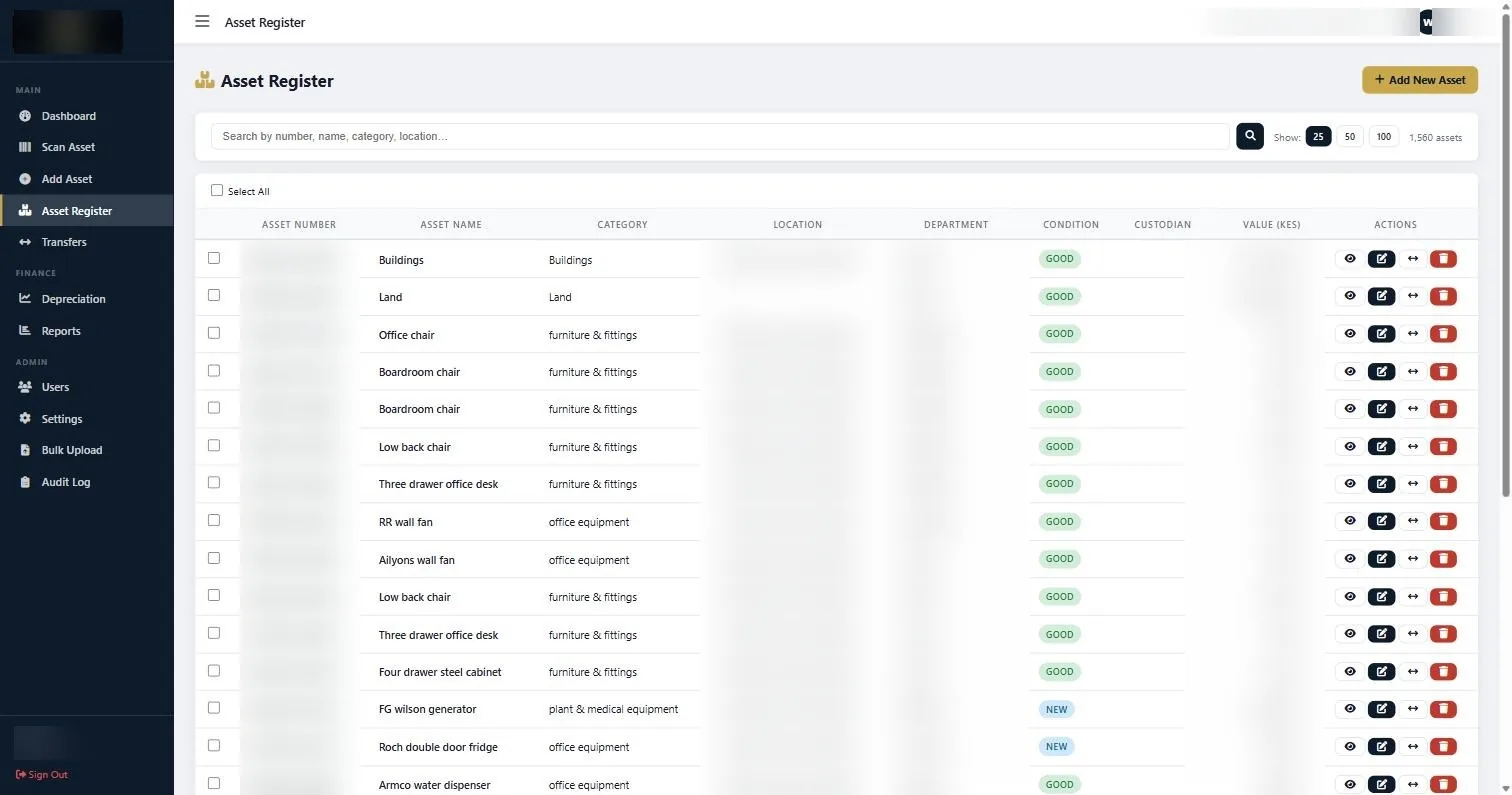
The Asset Register after a transfer, where location, department and custodian should all reflect the new position. -
Review the transfer log periodically
Open Reports and run the Asset Transfer Log under Movement Reports. Read it once a quarter.
It tells you things no other report does: which assets move constantly and are therefore hardest to keep track of, which departments are quietly accumulating equipment, and which temporary movements were never closed out.
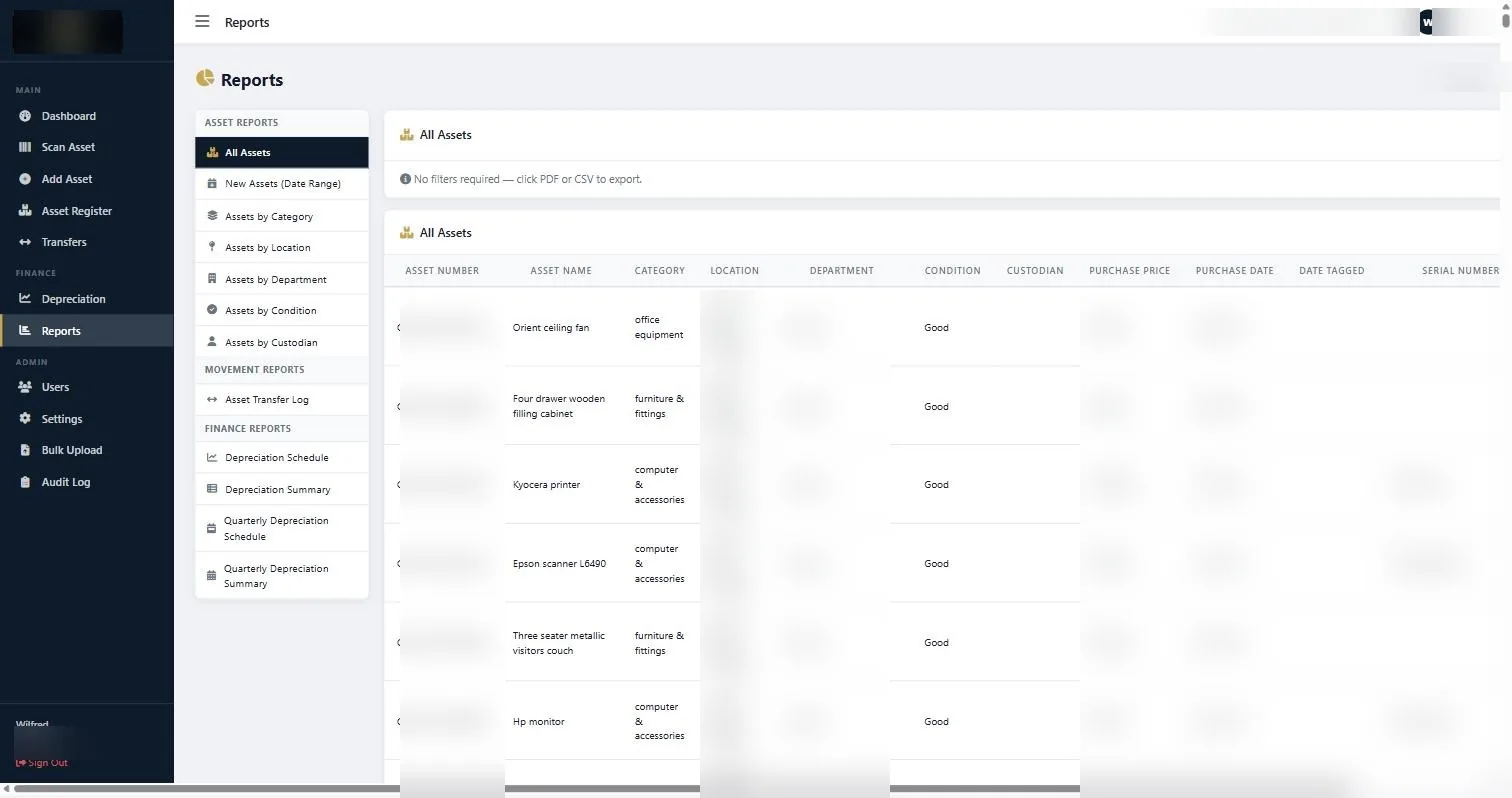
The Asset Transfer Log under Movement Reports, which shows every recorded movement and its reason.
If something does not look right
| What you are seeing | Why | What to do |
|---|---|---|
| The destination location is not in the list | Locations come from Settings. | Add the location in Settings first. Do not transfer to a nearby location that is not quite right; it will send the next verification round to the wrong room. |
| Asset shows in the new location but the old custodian | Only the location was updated on the transfer. | Edit the record to complete the custodian change, and use all three fields on future transfers. |
| A transfer was recorded for the wrong asset | Asset number typed rather than scanned, and two numbers are similar. | Correct both records and scan rather than type on future movements, particularly when moving batches of similar items. |
| Verification cannot find an asset that was moved | The movement happened but was never recorded. | Record it now, and tighten the process so transfers are captured at release rather than remembered later. |
Worth knowing
- Record the transfer at the moment of release. Afterwards is a promise nobody keeps.
- Scan rather than type the asset number, especially when moving several similar items.
- Repairs and loans are transfers. Record the departure and record the return.
- Read the transfer log quarterly. It shows you where your register is under most pressure.
Common questions about record an asset transfer
What is the difference between a transfer and editing the location?
A transfer keeps history. An edit silently replaces the old value. When you need to prove where an asset was in a given month, only the transfer record can do it.
Should an asset going out for repair be transferred?
Yes. Record it out and record it back. Otherwise it shows as missing at the next verification and somebody spends an afternoon looking for it.
Can we transfer several assets at once?
Move them one record at a time so each has its own history, but do the whole batch in one sitting at the point of release. Scanning makes this fast.
Who should be allowed to record transfers?
Whoever releases the asset, typically stores or administration. Restricting it to one central person guarantees movements go unrecorded.
Does a transfer change the depreciation?
No. Depreciation follows cost, date and category. A transfer changes custody and location, and it may change which department carries the asset in reporting.
What if an asset is permanently moving to another branch?
Record it as a transfer with the new location and department. The asset stays in the same register; it has simply moved within the organisation.
If nobody has been keeping up, do a verification round first and then record an asset transfer for each item that has clearly moved, rather than trying to reconstruct history.
Related guides
Ready to get your assets under control?
Call us to discuss your organisation, or email your asset list and we’ll scope it for you.