
How to use the STL Asset Management System
This asset management system guide is nine short pieces covering the work people actually do in the system, each written to be followed while you are sitting in front of the screen. Nine short guides covering the work people actually do in the system: setting it up, adding and moving assets, verifying what exists, and producing the reports finance and auditors ask for. Each one is written to be followed while you are sitting in front of the screen.
Where to start in this asset management system guide
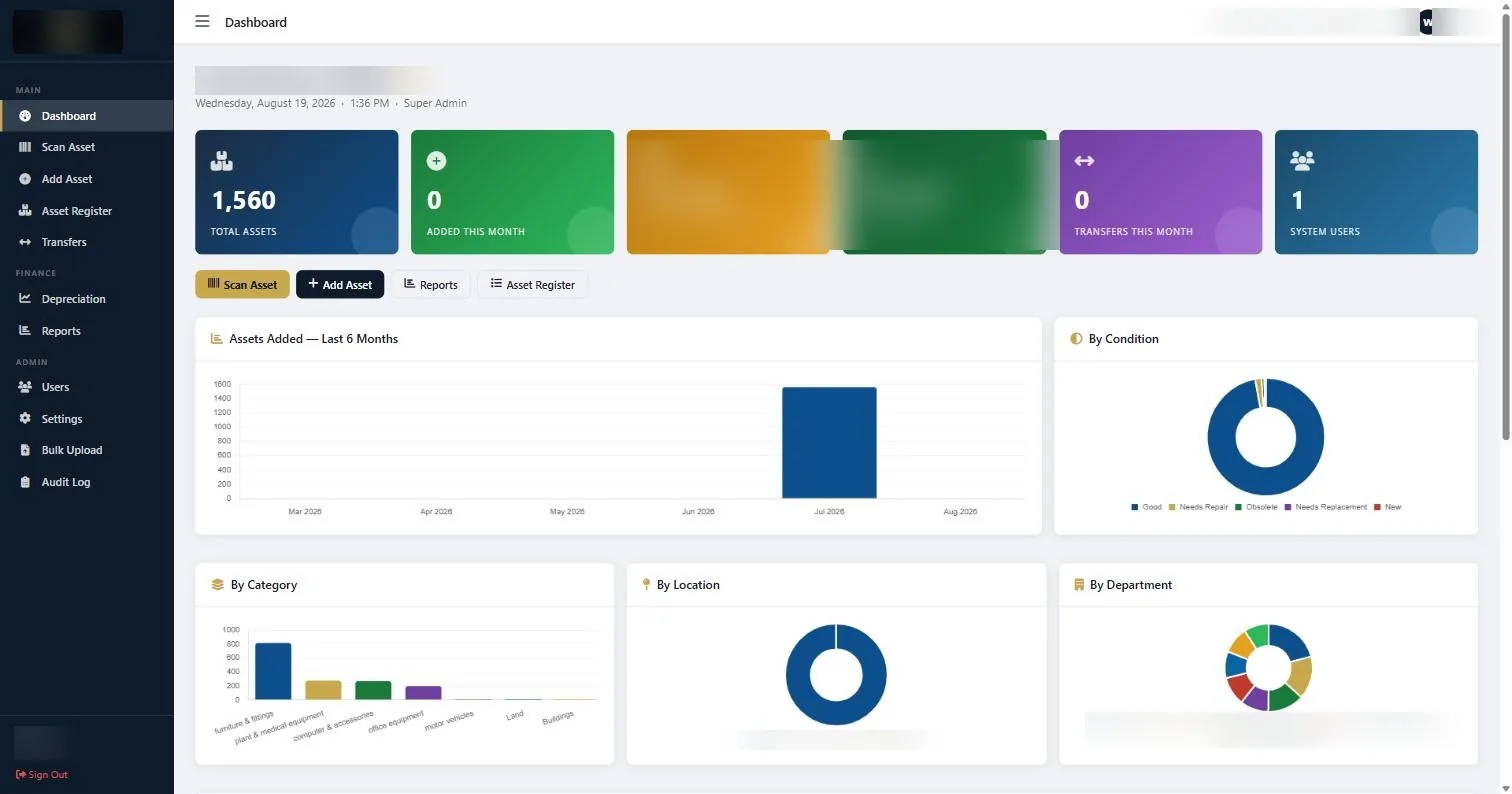
Work through them in this order: set up the account, load your assets, then learn the daily operations. The finance and admin guides matter from your first month end, not from day one.
Read them in the order above if the system is new to you. If you have inherited an account that somebody else set up, start with the setup guide anyway, because the settings decided on day one are the ones that quietly shape everything afterwards: how assets are numbered, how locations are named, and which depreciation method the finance reports will use.
Each guide follows the same shape. A short note on who can do the task and how long it takes, then the steps in the order the screens appear, then the things that commonly go wrong and how to tell which one you are looking at. Where a screen is involved, there is a picture of the actual screen rather than a description of it.
None of this replaces having the register right in the first place. A system is only ever as good as the data loaded into it, and the fastest way to a register you can defend is a physical count with a tag on every asset. If that part has not been done, start there and the rest of this guide becomes much shorter work.
If you would rather we did it
Most organisations that come to us are not looking for software to learn, they are looking for a register that is true. We tag the assets, verify what physically exists, load the register, and hand it over with the system already populated and your team already trained on it. These guides are then the reference, not the workload.
The system is covered in more detail on the asset management system page, and the tagging work that has to come first is covered under asset tagging in Kenya.
Ready to get your assets under control?
Call us to discuss your organisation, or email your asset list and we’ll scope it for you.